Cloud gaming latency explained: why 8 ms matters for game demos
Glass-to-glass latency is the single most important metric in cloud gaming, yet every platform measures it differently. This article breaks down the full latency pipeline, compares transport protocols and codecs, and explains why 8 ms of platform latency makes cloud-streamed demos indistinguishable from local play for most game genres.
 Playruo Editorial TeamUpdated July 10, 202611 min read
What is glass-to-glass latency?
Glass-to-glass latency is the total time between a player pressing a button and seeing the result on screen. It covers the entire pipeline: input device, OS processing, network transit to the server, game tick plus GPU render, video encode, network transmit back, then client decode and display. Every step adds delay.
This definition matters because most platforms don't measure it. Parsec reports encode and decode time only. NVIDIA markets "click-to-pixel" latency without publishing its measurement methodology. Microsoft publishes "stream-added latency" that excludes game render time (Source: Microsoft GDK documentation). Each figure is accurate in isolation, and each one flatters the platform by hiding the parts it doesn't control.
The only honest way to measure glass-to-glass latency is with a 240fps+ slow-motion camera capturing both the input device and the display simultaneously, then counting frames between the two events (Source: Vay.io measurement guide). It's low-tech, reproducible, and immune to vendor selection bias. Kämäräinen et al. used a similar approach in their 2017 ACM MMSys study to characterize each component of the mobile cloud gaming pipeline (Source: ACM MMSys 2017).
[Image placeholder: glass-to-glass latency pipeline diagram]
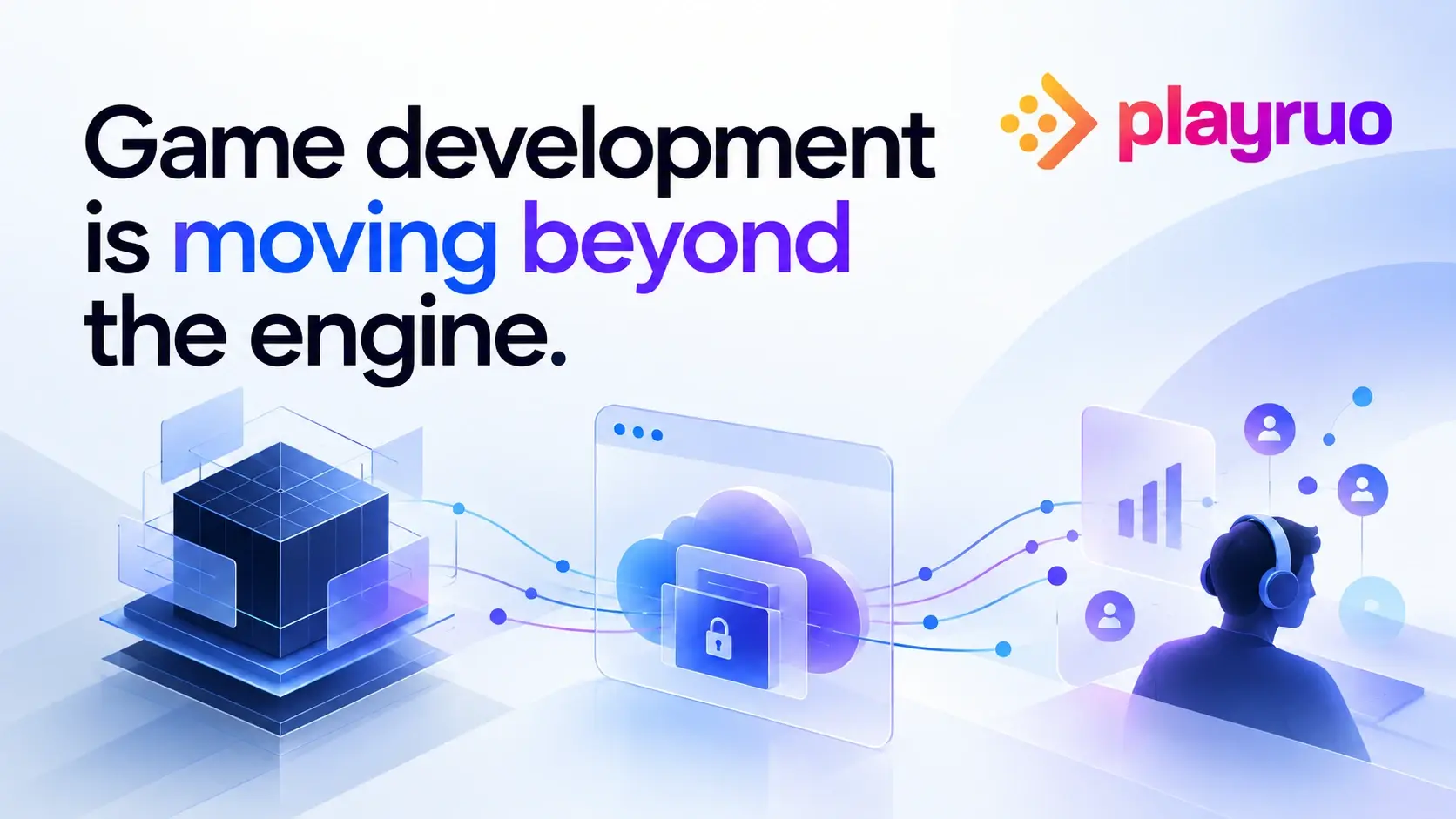
Playruo's technology stack is designed to minimize every stage of this pipeline: QUIC transport for low-overhead network transit, hardware-accelerated encoding on NVIDIA L4 GPUs, and adaptive codec selection that adjusts to the client's decoder in real time.
Why 8 ms changes the equation
The math starts with frame time. At 60fps, one frame takes 16.67 ms. At 120 Hz, one frame takes 8.3 ms. Playruo's platform latency of 8 ms (Source: playruo.com/technology, self-reported) represents less than one frame at 120 Hz. At that level, the delay is imperceptible. Competing consumer platforms at 35-60 ms over native (Source: Digital Foundry 2024) add two to four frames at 60 Hz, or four-plus frames at 120 Hz.
Fighting game benchmarks help quantify what these frame counts mean in practice. Note: fighting games are the most latency-sensitive genre, so this data represents a worst-case scenario for latency perception. A study by fubarduck measured input latency across platforms using @noodalls methodology, with 1,000 measurements per platform (Source: fubarduck.substack.com). Street Fighter 6 on PC at 240 Hz clocked 52 ms; on PS5 at 120 Hz, 57 ms; on PS4 Pro at 60 Hz, 102 ms. A 4-frame delay (about 67 ms) is the gap between landing a combo and dropping it.
At 8 ms platform latency, Playruo adds less delay than the PS5's own internal processing pipeline. For the action-adventure, RPG, and strategy titles that make up the majority of press preview and demo campaigns, the margin is even more comfortable.
Research on perception thresholds backs this up. A 2014 IEEE study found that 100 ms latency measurably decreased shooting precision and kill counts while increasing player deaths (Source: IEEE 2014). TU Darmstadt research the same year placed the tolerable range for an unimpaired experience at 50-100 ms, with anything under 20 ms considered excellent for interactive cloud applications (Source: TU Darmstadt 2014). For a full breakdown of how cloud infrastructure affects publishing workflows, see the complete guide to cloud gaming for game publishers.
QUIC vs WebRTC vs custom UDP
Three transport protocols dominate game streaming today. They trade off overhead, startup time, and encryption in different ways, and the choice has a direct impact on latency.
WebRTC is used by Xbox Cloud Gaming and several B2C platforms. It handles NAT traversal through STUN/TURN and encrypts with SRTP and DTLS. It works in any browser without plugins, which is a genuine advantage. The downside is session startup: establishing a WebRTC connection requires multiple round-trips for SDP signaling before a single frame is transmitted.
Custom UDP (Parsec's BUD protocol is the main example) bypasses WebRTC's overhead by building a purpose-built transport with DTLS 1.2 encryption. On a local network at 240fps, Parsec achieves 4-8 ms according to their published benchmarks (Source: Parsec blog). This is a LAN-only figure; over the internet, Parsec's median round-trip to AWS is approximately 28 ms (Source: Parsec blog), making real-world sessions significantly slower than the headline number. The trade-off is that it requires a client app install and is entirely proprietary.
QUIC combines the best properties of both. It includes TLS 1.3 encryption natively, uses multiplexed streams with no head-of-line blocking, and supports 0-RTT connection resumption. A 2025 arXiv preprint comparing QUIC-based and WebRTC protocols for remote rendering found QUIC delivers roughly 30% lower latency and 60% faster connection startup (Source: arXiv 2505.22132, preprint).
Playruo chose QUIC because it delivers the low overhead of a custom UDP implementation with built-in encryption and congestion control, without requiring a client app. For short demo sessions ranging from 5 to 60 minutes, session startup speed is critical. Every second a journalist or player spends waiting to connect is a second not spent in the game.
After a decade of serving publishers and working on world-renowned cloud gaming and computing projects, we decided it was time to carve our own path.
QUIC was central to that path. More detail on the underlying stack is on the Playruo technology page.
| Feature | QUIC | WebRTC | Custom UDP (Parsec BUD) |
|---|---|---|---|
| Encryption | TLS 1.3 built-in | SRTP + DTLS | DTLS 1.2 |
| Session startup | 0-RTT resumption | Multi-round-trip SDP | Custom handshake |
| Head-of-line blocking | No (multiplexed streams) | Partial (SCTP data channel) | No |
| NAT traversal | Built-in | STUN/TURN required | Custom NAT punch |
| Client requirement | Browser only | Browser or app | App required |
| Latency vs WebRTC | ~30% lower (arXiv 2025) | Baseline | Similar to QUIC on LAN |
How codecs affect streaming latency
Codec choice is a three-way trade-off between encoding speed, compression efficiency, and device compatibility. For interactive streaming, encoding speed directly affects latency because every millisecond spent compressing a frame is a millisecond added to the pipeline.
H.264 is the fastest encoder, with the widest device support: every browser, every phone, every smart TV. It has the lowest compute overhead per frame and is the default choice when latency is the priority.
HEVC (H.265) achieves roughly 40% better compression at equal quality, but encoding is about 2.6x slower than H.264 according to industry benchmarks (Source: Red5.net codec comparison; IEEE 2017). It's the right choice when bandwidth is constrained and you need to reduce bitrate without sacrificing visual quality.
VP9 is Google's royalty-free alternative with a similar compression profile to HEVC. Chrome and Firefox support it natively, but hardware encoder support is less consistent than H.264 or HEVC.
AV1 delivers the best compression efficiency, roughly 40% bitrate savings versus H.264 at equivalent quality (Source: NVIDIA Developer Blog). Hardware encoding is now viable on NVIDIA Ada Lovelace GPUs, though compute overhead remains higher than H.264 for real-time encoding.
Playruo supports all four codecs (H.264, HEVC, VP9, AV1) and selects the optimal one per session based on the client's device capabilities and network conditions in real time (Source: playruo.com/technology). A journalist on fiber with a modern laptop might get AV1 at high quality. A player on a phone over 4G gets H.264 with minimal encoding latency. The session adapts; the user doesn't notice. See the technology page for more on the codec selection logic.
Latency for demos, not esports
B2B cloud streaming serves a different audience than consumer cloud gaming. A PR director sending 50 journalists a build link has different requirements than a Fortnite player climbing ranked. The metrics that matter are not the same.
First impressions are unforgiving. In a 30-minute press preview or a 90-second playable ad, the first 60 seconds determine whether a player engages or bounces. Research from ACM CHI 2021 showed that players can adapt to consistent latency delays of up to 300 ms in predictable games, but adaptation takes minutes, not seconds (Source: ACM CHI 2021). For short-form B2B use cases, there's no adaptation runway.
Jitter matters more than absolute latency. Consistent 40 ms feels better than oscillating 20-80 ms. For demo streaming, stability is the quality metric publishers should optimize for. Playruo's use of QUIC helps here because multiplexed streams prevent one dropped packet from stalling the entire session.
The 8 ms argument for publishers. At 8 ms platform latency plus 10-20 ms of typical fiber network transit, a cloud-streamed demo runs at 18-28 ms total latency. Street Fighter 6 on a PS5 runs at 57 ms on its own hardware (Source: fubarduck). For action-adventure, RPG, strategy, simulation, and puzzle games, an 18-28 ms cloud stream is indistinguishable from local play.
The honest caveat. Frame-perfect competitive fighting games and rhythm games at tournament level can expose differences between 20 ms and 50 ms. For a press preview of an action-adventure title or a playable ad for an RPG, 8 ms platform latency is more than sufficient.
The latency question also comes up in remote press previews, cloud-based playtesting, and playable ads for PC games, each of which has its own tolerance thresholds worth understanding before you set up a campaign.
Platform latency comparison
The numbers below come from published benchmarks with methodology notes, because the methods vary significantly. Self-reported figures and third-party figures are not directly comparable.
| Platform | Protocol | Claimed latency | Measurement source | Browser-based? |
|---|---|---|---|---|
| Playruo | QUIC | 8 ms (glass-to-glass) | Playruo benchmarks (self-reported) | Yes |
| Parsec | Custom UDP (BUD) | 4-8 ms (LAN only), 20 ms+ (internet) | Parsec blog (self-reported) | No (app required) |
| GeForce NOW | Proprietary | 30-50 ms (fiber, RTX 4080 tier), 69 ms (standard tier tested) | PCGamesN 2020 (480fps camera) + NVIDIA self-reported | Yes |
| Xbox Cloud Gaming | WebRTC | 45 ms added over native | Digital Foundry 2024 | Yes |
| Amazon Luna | Proprietary | 25-54 ms (varies by game) | Caleb Ross third-party review | Yes |
| PlayStation Plus Cloud | Proprietary | 53.6 ms added over native | Digital Foundry 2024 | No (app required) |
A few important caveats on these numbers. Parsec's 4-8 ms figure is LAN-only at 240fps; over the internet, add 20-30 ms of network transit. GeForce NOW's 30-50 ms range requires RTX 4080-tier servers, fiber internet, and the Reflex feature enabled; the 69 ms figure from PCGamesN reflects standard-tier testing under typical conditions.
No independent third party has yet published benchmarks for Playruo; the 8 ms figure comes from Playruo's own testing. Consumer platforms (GeForce NOW, xCloud, Luna, PS Plus Cloud) also optimize for sustained long sessions rather than short B2B demo streaming, which changes their design priorities and optimization targets.
For a full picture of how Playruo positions against the field, see why Playruo.
Sources

Sources
| Source | Notes |
|---|---|
| Kämäräinen et al., ACM MMSys 2017 | Latency component characterization in mobile cloud gaming. |
| Vay.io latency methodology | 240 fps camera methodology for glass-to-glass measurement. |
| TU Darmstadt cloud gaming latency study | Latency tolerance benchmarks for cloud gaming. |
| IEEE latency and player performance | Impact of latency on FPS precision and outcomes. |
| arXiv QUIC vs WebRTC remote rendering | Protocol comparison for startup time and latency. |
| Parsec total latency at 240 fps | Parsec self-reported LAN latency benchmark. |
| Parsec technology | BUD protocol and low-latency streaming architecture. |
| PCGamesN GeForce NOW latency coverage | GeForce NOW competitive mode latency coverage. |
| Pure Xbox cloud gaming comparison | Xbox and PlayStation cloud gaming latency comparison. |
| Red5 codec comparison | H.264 vs H.265 vs VP9 encoding tradeoffs. |
| NVIDIA Developer Blog AV1 coverage | AV1 and Ada Lovelace encode efficiency context. |
| Playruo technology | Playruo self-reported latency, protocol, and codec support. |
Related resources
More Playruo guidance connected to this topic.