How to set up a remote press preview (step-by-step)
A step-by-step operational guide to launching a cloud-streamed press preview: from build upload and session configuration to journalist invitations, live monitoring, and post-preview reporting.
 Playruo Editorial TeamUpdated July 15, 20269 min read
Before you start: the pre-launch checklist
Preparation is the difference between a smooth preview and a last-minute scramble. Run through this checklist before you touch any platform settings.
Build readiness. Your build should be stable enough for a 30-60 minute session without crashes. It doesn't need to be final, but it needs to represent the experience you want journalists to write about. If you're using a Steam or Epic key, confirm the key activates correctly on a clean machine.
Media list. Curate your list before you set up the preview, not after. Prioritize outlets by relevance to your genre, audience size, and past coverage quality. Keep it tight: 67% of journalists want review copies at least three weeks before launch (Source: Big Games Machine 2024 Survey), so timing matters more than volume.
Embargo date. Pick an embargo lift date that gives journalists enough time to play and write, but close enough to launch to maintain momentum. Coordinate with your marketing calendar, trailer drops, and store page updates.
Session scheduling. Decide whether you'll run an open window (journalists play anytime within a date range) or scheduled slots. Open windows reduce coordination overhead. Scheduled slots let you monitor sessions live.
Hardware tier. Choose the GPU tier that matches your game's requirements. Playruo runs NVIDIA L4 GPUs paired with AMD EPYC processors, so most titles run comfortably on default settings. For graphically intensive builds, request a higher tier during setup.
62% of journalists receive between 11 and 50 pitches per day (Source: Big Games Machine 2024 Survey). A frictionless preview experience is one of the few things that can make your pitch stand out. For strategic context on why remote previews outperform traditional methods, see the complete guide to remote press previews.
Upload your build
Two input methods, zero dev work required. Your engineering team doesn't need to touch anything.
Option 1: Launcher key. If your build is already on Steam, Epic Games Store, or Ubisoft Connect, simply enter the activation key into Playruo. The platform provisions a Windows kiosk VM, installs the game through the launcher, and handles all driver and OS configuration automatically.
Option 2: Direct upload. For builds not yet on a storefront, upload the executable directly. This works for early milestones, vertical slices, or any build you'd normally ship on a USB drive to an event. No code changes, no SDK integration, no special packaging.
Version management. Need to update the build mid-preview? Push a new version without invalidating existing session links. Journalists who haven't played yet will get the updated build automatically. Those mid-session won't be interrupted.
For technical background on cloud gaming infrastructure and how it handles build deployment and streaming, see the full guide for publishers.
Configure the session environment
The VM handles everything. You pick the hardware tier and toggle optional features.
Each journalist gets a dedicated Windows kiosk VM, fully isolated and locked down. There's no command line, no file browser, no clipboard access. Playruo manages all GPU drivers and OS updates, so you never deal with compatibility issues.
Hardware. Sessions run on NVIDIA L4 GPUs and AMD EPYC processors, hosted across AWS, GCP, Scaleway, or customer-owned infrastructure. The display pipeline supports up to 4K resolution at 240fps, with glass-to-glass latency of 8 ms (one frame at 120 Hz).
AI auto-start. For builds with lengthy loading screens, menus, or launcher dialogs, the AI auto-start feature navigates past them automatically. Journalists land directly in gameplay, not on a title screen wondering which button to press.
Streaming quality. The platform adapts codecs in real time (H.264, HEVC, VP9, AV1) based on each journalist's connection quality, using the QUIC transport protocol. A journalist on hotel Wi-Fi in Tokyo gets a different codec profile than one on fiber in Berlin, but both get a playable experience.
For details on codec selection and the streaming protocol, see Playruo's technology page.
Set access controls and security
Every security layer is independently configurable. Turn on what you need, skip what you don't.
The baseline is already strong: journalists receive a video stream, never game files. No data lands on their device, which means there's zero leak surface for the build itself. From there, you can add layers.
| Security feature | What it does |
|---|---|
| Password protection | Requires a password before the session loads |
| Forensic watermarking | Embeds a unique, invisible marker per session for leak tracing |
| Geo-restriction | Limits access to specific countries or regions |
| Time-window scheduling | Sessions only available during a defined date/time range |
| Concurrent session limits | Controls how many people can play simultaneously |
| Duration caps | Automatically ends sessions after a set time (e.g., 30 minutes) |
| Instant revocation | Kill any active session or disable a link immediately |
Full session logs record every action, giving you an audit trail if something goes wrong. The Insomniac Games breach in December 2023 leaked 1.67 TB of data, including a playable build of Marvel's Wolverine (Source: BleepingComputer, Dec 2023). That breach involved files stored on local machines. A stream-only approach eliminates that entire attack vector.
For a deeper look at security architecture, see the guide to securing unreleased builds. For embargo-specific controls, see the embargo management guide.
Create your branded landing page
First impressions matter. The landing page is what journalists see before they press play.
Playruo's white-label interface lets you brand the entire experience. Upload your game's key art, logo, and a pre-demo video if you have one. Add embargo instructions directly on the page so journalists see them before the session starts, not buried in an email they may have skimmed.
The landing page includes a start button, a countdown timer (if you're using scheduled windows), controller recognition prompts, and rating modals where required. Everything looks like your game's branding, not a third-party tool.
At Gamescom 2024, Microids used Playruo to share a 15-minute demo link for Empire of the Ants on social media during the event. The branded landing page served as both a demo portal and a marketing asset, letting attendees and remote press access the same build through a single URL.
Invite journalists
A good invitation is short, friction-free, and contains a single playable link.
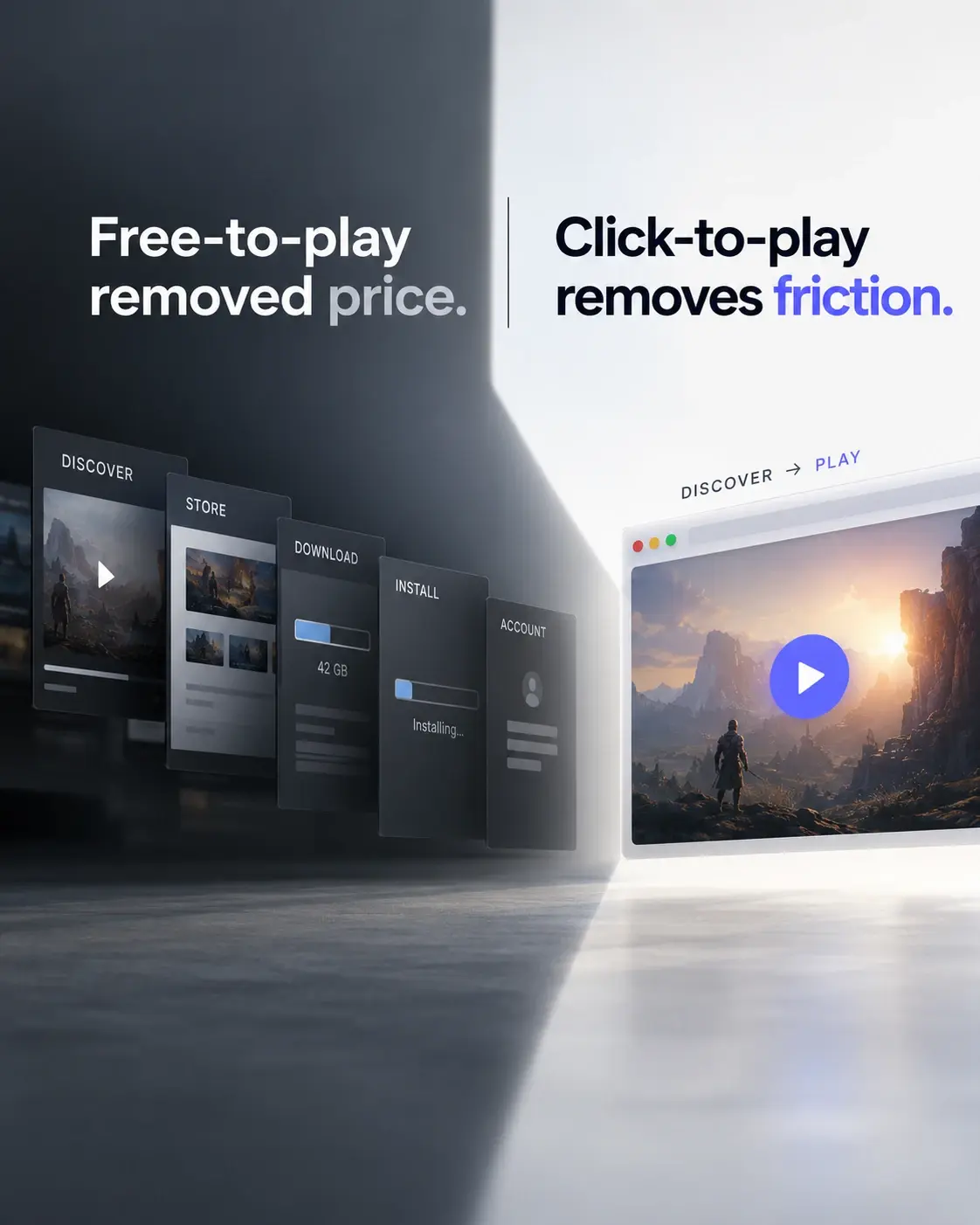
Journalists don't want to create accounts, install apps, or troubleshoot drivers. Playruo sessions run entirely in the browser. The only technical requirement is a modern browser (Chrome, Edge, Safari, Firefox). That's the pitch: one link, one click, you're playing.
Here's a template that works:
Only 8% of PR pitches result in coverage across industries (Source: PRLab 2025). When 62% of journalists receive 11-50 pitches daily (Source: Big Games Machine 2024 Survey), the pitch that removes friction wins. A browser-based link with no setup steps is about as frictionless as it gets.
For a detailed breakdown of the journalist's experience from receiving a link to publishing coverage, see the journalist demo workflow guide.
My mind is racing with ideas on how to use Playruo to bring content to our fans!
Monitor live sessions
Watch sessions in real time to spot issues early and identify your most engaged journalists.
Playruo's analytics dashboard tracks session count, duration, completion rate, geography, timestamps, and device/connection data. You can see this per journalist or in aggregate. If someone's session drops after two minutes, you know to follow up with troubleshooting. If someone plays for 45 minutes, you know who to prioritize for an interview opportunity.
What to watch for during live sessions:
- Connection issues. If a journalist's stream quality drops, it may indicate a bandwidth problem on their end. You can proactively reach out with suggestions (e.g., switch to a wired connection, close other tabs).
- Early exits. A pattern of short sessions might mean your build has a friction point in the first few minutes: a confusing menu, a crash, or a loading screen the AI auto-start didn't catch.
- Geographic clusters. If most of your sessions come from one region, your invite list may be too narrow, or your time window may not suit other time zones.
Play pattern data also helps you understand which parts of your game resonate. If every journalist spends 20 minutes in the character creator, that's a story angle worth pitching.
For a full breakdown of which metrics matter and how to interpret them, see the press preview analytics guide.
After the preview: follow-up and reporting
The preview is the beginning of the press cycle, not the end. Use session data to prioritize your follow-ups.
Per-journalist reports. Export session data for each journalist: how long they played, when they played, what sections they reached, and whether they completed the demo. This tells you who's genuinely interested and who opened the link for 30 seconds.
Follow-up email. Send a brief follow-up within 24 hours of each journalist's session. Reference their play session ("We noticed you spent time in the crafting system; here's some additional context on that feature"). Include any updated assets, fact sheets, or interview availability.
Embargo lift coordination. Use the dashboard to confirm that all journalists have had a chance to play before the embargo lifts. If someone hasn't accessed their link, send a reminder with a deadline. Time-window controls let you extend access for stragglers without reopening the preview broadly.
Coverage tracking. After the embargo lifts, track which sessions converted to published articles, videos, or social posts. This data informs your media list for the next campaign: journalists who played the full session and published coverage go to the top of the list.
For context on scale: Ubisoft delivered over 1,500 demos across more than 30 countries using Parsec in 2020 (Source: Parsec case study). Remote distribution at that scale was a logistical impossibility with physical builds. Note: Ubisoft used Parsec, not Playruo, but the operational model is comparable.
For a comparison of game demo distribution methods and platforms, see the full guide. If you're also running playtests alongside press previews, remote playtesting uses the same infrastructure with a different workflow.
Playruo allowed us to present Empire of the Ants to journalists from all over the world, and the experience was excellent. Playruo has been an invaluable asset to our communications strategy, and a new tool we'll be using for future projects.
Ready to run your first remote press preview? Plan your preview with Playruo.
Sources

Sources
| Source | Notes |
|---|---|
| Big Games Machine 2024 journalist survey | Journalist workflow and timing preferences. |
| PRLab public relations statistics 2025 | Broader PR workload and media environment context. |
| BleepingComputer Insomniac breach | Security context for unreleased builds. |
| Parsec / Ubisoft case study | Remote press demo operations benchmark. |
| Playruo technology | Playruo streaming architecture and technical claims. |
Related resources
More Playruo guidance connected to this topic.